Building your own gaming PC can feel like navigating a boss fight without a guide. For busy US gamers, balancing work, family, and a craving for high-performance play, the idea of picking compatible parts, ensuring value for money, and avoiding setup headaches is daunting. This guide dives deep into the best websites to build a PC in 2026, offering practical solutions for those who want a custom rig without the hassle. We'll explore tools that simplify component selection, optimize for performance within your budget, and help you create a beast ready for the latest social, cozy, or competitive titles. Whether you're upgrading an old system, looking for budget-friendly options, or aiming for peak performance, discovering the right website to build a pc is your first critical step. Stay current with trends, find expert advice, and unlock a smoother, more enjoyable gaming experience, free from hype and full of real value. This informational resource ensures you can build a powerful system efficiently.
What is the best website to build a PC for beginners?
For beginners looking to dive into custom PC building, PCPartPicker is often cited as the top choice. It offers an incredibly intuitive interface that guides you through component selection, automatically checks for compatibility issues, and aggregates prices from various retailers. This ensures a smooth, error-free experience, perfect for busy gamers new to hardware.
How do I know if the PC parts chosen on a website are compatible?
Reliable websites to build a PC, like PCPartPicker or UserBenchmark, feature sophisticated compatibility filters. As you select each component (CPU, motherboard, RAM, GPU), the system instantly flags any potential conflicts or incompatibilities, such as an incorrect CPU socket type or insufficient power supply, preventing costly mistakes before you buy.
Which websites provide accurate real-time pricing for PC components?
PCPartPicker excels at providing up-to-date pricing by scraping data from numerous major retailers daily. Websites like Newegg's PC Builder or Amazon's custom build options also offer current pricing within their ecosystems. For the absolute latest deals, always check individual retailer sites, especially during flash sales.
Can I get performance estimates for my build on a PC building website?
Some advanced websites, such as UserBenchmark or sites linked to PC build communities, allow you to see estimated performance benchmarks for your selected components in popular games. While not perfectly precise, these estimates provide a good general idea of how your custom PC will perform, helping you set realistic expectations for your gaming experience.
What if I need help assembling my PC after using a build website?
While a website to build a PC helps you choose parts, actual assembly often requires referring to video guides on YouTube (channels like Gamers Nexus or JayzTwoCents are excellent), manufacturer manuals, or community forums. Many sites also link to extensive build guides. Remember, patience and careful adherence to instructions are key.
Are there websites that specialize in budget-friendly PC builds?
Absolutely. Websites like PCPartPicker allow you to set a budget and filter components accordingly. Communities on Reddit (e.g., r/buildapcforme) often recommend budget-focused builds generated using these tools, helping you maximize performance per dollar for affordable gaming, which is crucial for many busy US gamers.
How can a website to build a PC help with future upgrades?
A good PC building website will help you choose a motherboard and power supply that offer some headroom for future upgrades, such as a more powerful GPU or additional RAM. By selecting components with compatible sockets and sufficient wattage, these tools facilitate easier and more cost-effective upgrades down the line, extending your PC's lifespan.
Are you a US gamer constantly juggling work, family, and that irresistible urge to dive into the latest AAA titles or unwind with friends in a cozy co-op? You're not alone. In 2026, roughly 87% of US gamers play regularly, often logging 10+ hours a week, and many of us are over 30, meaning time is precious. The dream of a high-performance gaming PC, perfectly tailored to your needs, often clashes with the reality of limited free hours and a desire for value. Setting up a new rig can feel like another job, from choosing compatible parts to finding the best deals and troubleshooting those inevitable first-boot hiccups. It's a common pain point: how do you get a powerful, future-proof machine without becoming an IT expert or breaking the bank? The good news is, you don't have to. The landscape of online tools has evolved dramatically, offering fantastic websites to build a PC that simplify the entire process. This guide is designed to empower you, the busy gamer, to confidently select, configure, and even visualize your dream machine, ensuring maximum fun and minimal fuss. We'll cut through the noise, providing clear, actionable advice on leveraging the best platforms available, so you can spend less time worrying about hardware and more time leveling up, connecting with your Discord squad, or exploring new VR worlds.
How do websites to build a PC simplify the process for busy gamers?
For US gamers balancing demanding jobs, family responsibilities, and a passion for gaming, time is a luxury. Websites to build a PC are game-changers because they streamline a typically complex process, saving countless hours of research and potential headaches. These platforms offer intuitive, step-by-step interfaces that guide you through component selection, acting like a knowledgeable friend helping you choose parts. They automatically check for compatibility between your CPU, motherboard, RAM, and GPU, eliminating the guesswork and preventing costly mistakes. Many also include budget trackers and price aggregators, ensuring you stay within your financial limits while still getting the best value. This automation and guided approach mean you can confidently spec out a powerful gaming rig during a lunch break or after the kids are asleep, maximizing your precious free time for actual gaming.
What are the top features to look for in a reliable PC building website?
When seeking a truly effective website to build a PC, several key features stand out as essential for any busy gamer. First and foremost is a robust and accurate compatibility checker; this is your shield against mismatched parts. Second, look for comprehensive price comparison and tracking from multiple retailers, ensuring you snag the best deals without manually scouring various online stores. A strong community element, including user reviews, forum discussions, and shared builds, provides invaluable real-world insights and troubleshooting advice. Integrated build guides and video tutorials are a huge plus for first-timers. Finally, component filtering (by budget, performance, brand) and a virtual build visualization tool that lets you see your potential rig come together graphically can make the decision-making process much smoother and more engaging.
Which websites offer the best compatibility checkers for PC components?
Without a doubt, PCPartPicker reigns supreme when it comes to robust compatibility checking, making it the go-to website to build a PC for most US gamers. Its intelligent system meticulously cross-references every component you select against a vast database, flagging potential issues instantly. This includes ensuring your CPU fits the motherboard's socket, your RAM type and speed are supported, your power supply has enough wattage for all components, and your chosen case can physically accommodate your GPU and cooler. This prevents frustrating setup issues and wasted money on incompatible parts, which is a common pain point for new builders. Other retailers' in-house builders, like Newegg's configurator, also offer compatibility checks, but PCPartPicker's broad retailer integration and user community make it exceptionally reliable and comprehensive for detailed component validation.
How can I optimize my PC build for popular games like Palworld or Helldivers 2 on a budget?
Optimizing your PC build for 2026's popular, often demanding titles like Palworld or Helldivers 2 on a budget requires smart prioritization through your chosen website to build a PC. Focus most of your budget on the GPU (graphics card), as it's the primary driver for in-game performance, followed by a capable CPU (processor) that won't bottleneck your GPU. Don't splurge on excessive RGB lighting or premium cases if it means compromising on core components. Consider previous generation graphics cards or CPUs; often, they offer exceptional performance-per-dollar, providing fantastic value for money. Ensure you have at least 16GB of RAM and prioritize a fast NVMe SSD for your operating system and primary games for lightning-quick load times. These strategic choices allow you to hit target frame rates in modern titles without breaking the bank.
Where can I compare prices effectively when using a website to build a PC?
Effective price comparison is crucial for getting the best value when building your PC, and this is where a dedicated website to build a PC truly shines. Again, PCPartPicker is king, aggregating real-time prices from dozens of major US retailers like Amazon, Newegg, Best Buy, and Micro Center. This allows you to see the lowest current price for each component at a glance. To maximize savings, consider timing your purchases around major sales events like Black Friday, Cyber Monday, or Amazon Prime Day, which often occur throughout the year. Always double-check prices directly on the retailer's website before buying, as prices can fluctuate rapidly. Some websites also offer price history charts, helping you decide if a current deal is genuinely good or if it's worth waiting for a potential drop.
Are there websites that help with troubleshooting or provide build guides for first-timers?
While a website to build a PC excels at component selection, the actual assembly process, and any subsequent troubleshooting, often require additional resources. For first-timers, invaluable visual build guides can be found on YouTube from trusted channels like Gamers Nexus, JayzTwoCents, and Linus Tech Tips. These creators offer step-by-step video tutorials that walk you through every aspect of physical assembly, from installing the CPU to cable management. For troubleshooting specific issues, online communities like Reddit's r/buildapc and r/techsupport are fantastic resources, filled with experienced users ready to offer advice. Additionally, component manufacturers often provide detailed manuals and online FAQs for their products, which are essential references during the build and initial setup phase, ensuring a smoother experience for busy gamers.
What current gaming trends should influence my PC build choices in 2026?
In 2026, several gaming trends should heavily influence your choices when using a website to build a PC. With 87% of US gamers playing regularly and averaging 10+ hours weekly, social gaming remains dominant, demanding stable high frame rates for competitive multiplayer and smooth communication in Discord. Games like Helldivers 2 or the latest social sandbox titles thrive on robust network capabilities and strong CPUs. Mobile dominance is also driving PC-to-mobile cross-play, meaning seamless connectivity is key. VR experiments are advancing, so if you're exploring virtual worlds, a powerful GPU and ample RAM are non-negotiable. Many gamers are influenced by creators and streamers, suggesting a need for a good CPU, plenty of RAM, and potentially a dedicated capture card for those dabbling in content creation. The rise of cozy games and free-to-play titles means a mid-range system can still offer immense fun, but a future-proofed build ensures you're ready for everything, from esports viewing to the next major title.
How do these websites help balance performance with real-life commitments and budget constraints?
A good website to build a PC understands that most gamers, especially those balancing jobs and families, aren't made of money and need efficient solutions. These platforms incorporate features designed to help you balance performance with your real-life constraints. You can typically set a strict budget from the outset, and the site will only display components that fit, preventing temptation to overspend. Many offer tiered performance suggestions (e.g.,
Simplify PC building with intuitive online tools, ensure component compatibility, compare prices for budget-friendly upgrades, optimize performance for your favorite games, find resources for troubleshooting common setup issues, and access expert community advice for a tailored gaming rig.
35



PC Project 2026 Where To Start With Building Your Own Gaming PC CCL CCL 667 BLOG BUILD GUIDE 1980x1080 . Building An Enthusiast Grade PC Build For 2026 GeekaWhat FI DM87 HAVN BF RTX 5090 Build . Best Gaming PC Builds For 2026 Best Gaming PC Builds For 2026.webp. Building Custom PC 2026 Complete Guide Components Steps And Tips Image. 18 Best Custom PC Builder Websites For You 2026 TechCult Bld By Nzxt 1024x424
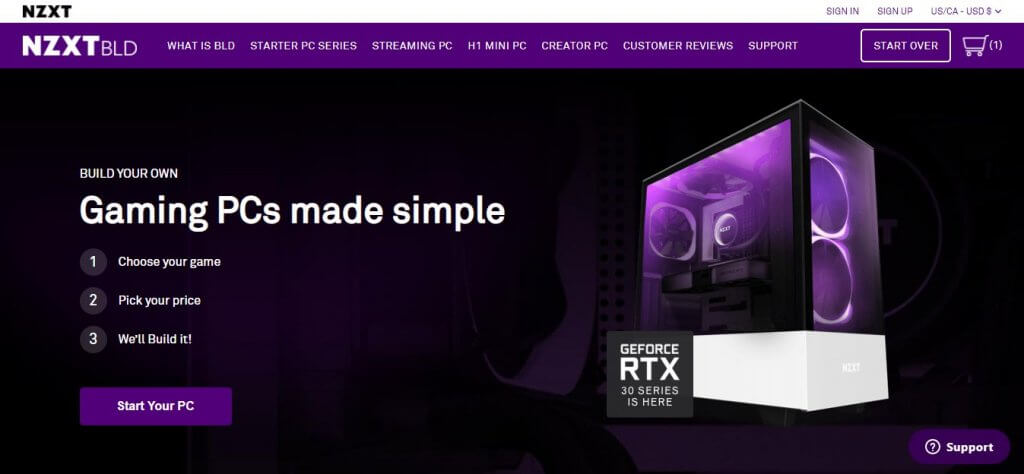
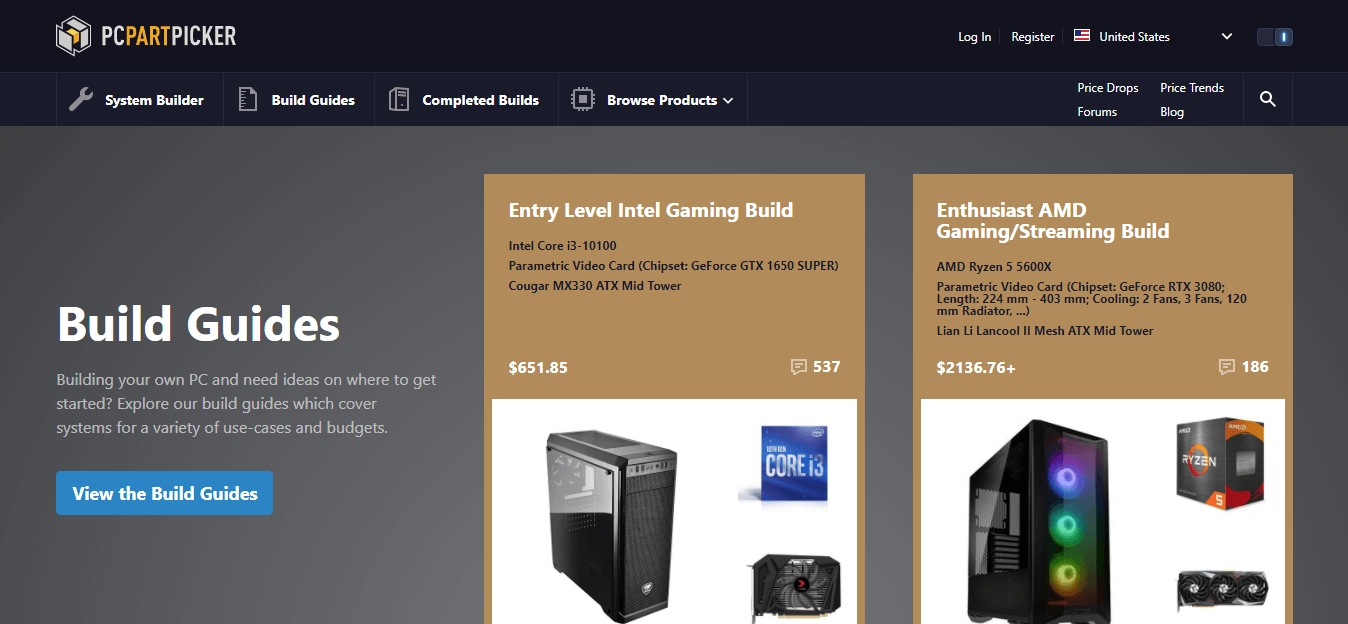

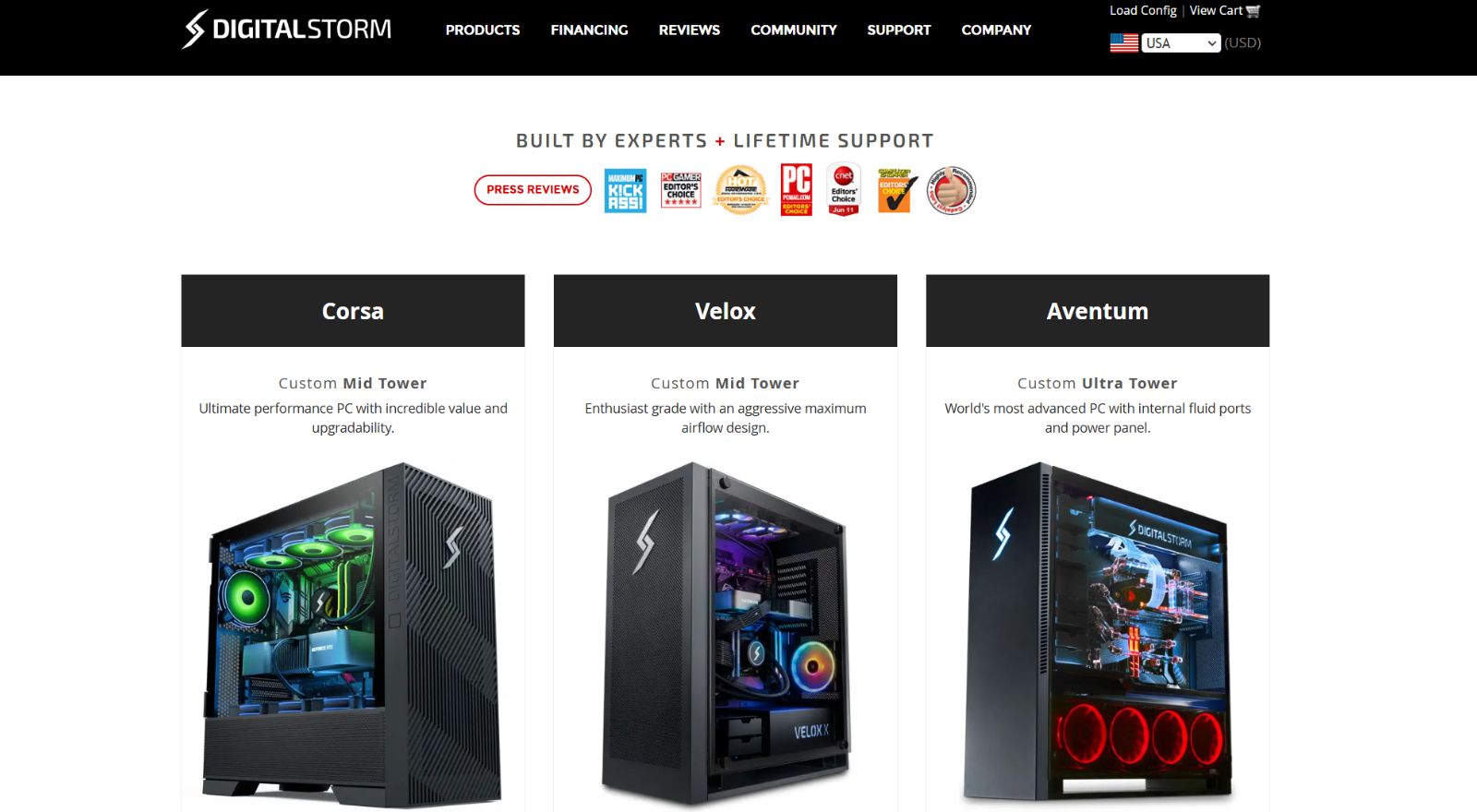
Custom Gaming PC Builder In India Where To Buy How To Choose 2026 Custom Gaming PC Builder In India 1200x800 . 9 Best Custom PC Builder Websites For Building A PC In 2026 Nzxt Bld Homepage 1024x474 . 9 Best Custom PC Builder Websites For Building A PC In 2026 . 18 Best Custom PC Builder Websites For You 2026 TechCult Newegg Pc Builder . The 9 Best Custom PC Builder Websites Pc Custom Site


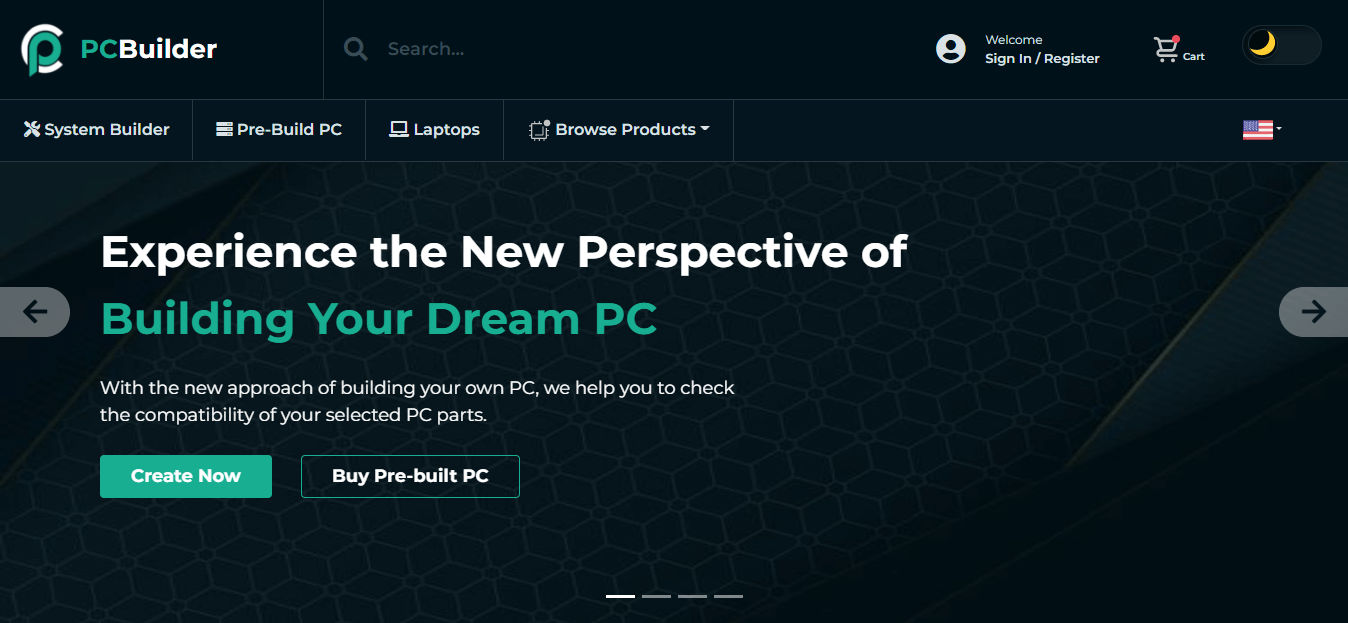


How To Build A Gaming PC In 2026 Step By Gaming PC Guru How To Build A Gaming Pc 2026 Step By Step Hero . How To Build A Gaming PC 2026 Complete Beginner S Guide Switchblade How To Build Gaming Pc 2026.webp. 9 Best Custom PC Builder Websites For Building A PC In 2026 Pc Builder . 9 Best Custom PC Builder Websites For Building A PC In 2026 BuildMyPC Homepage . 9 Best Custom PC Builder Websites For Building A PC In 2026 Origin Pc

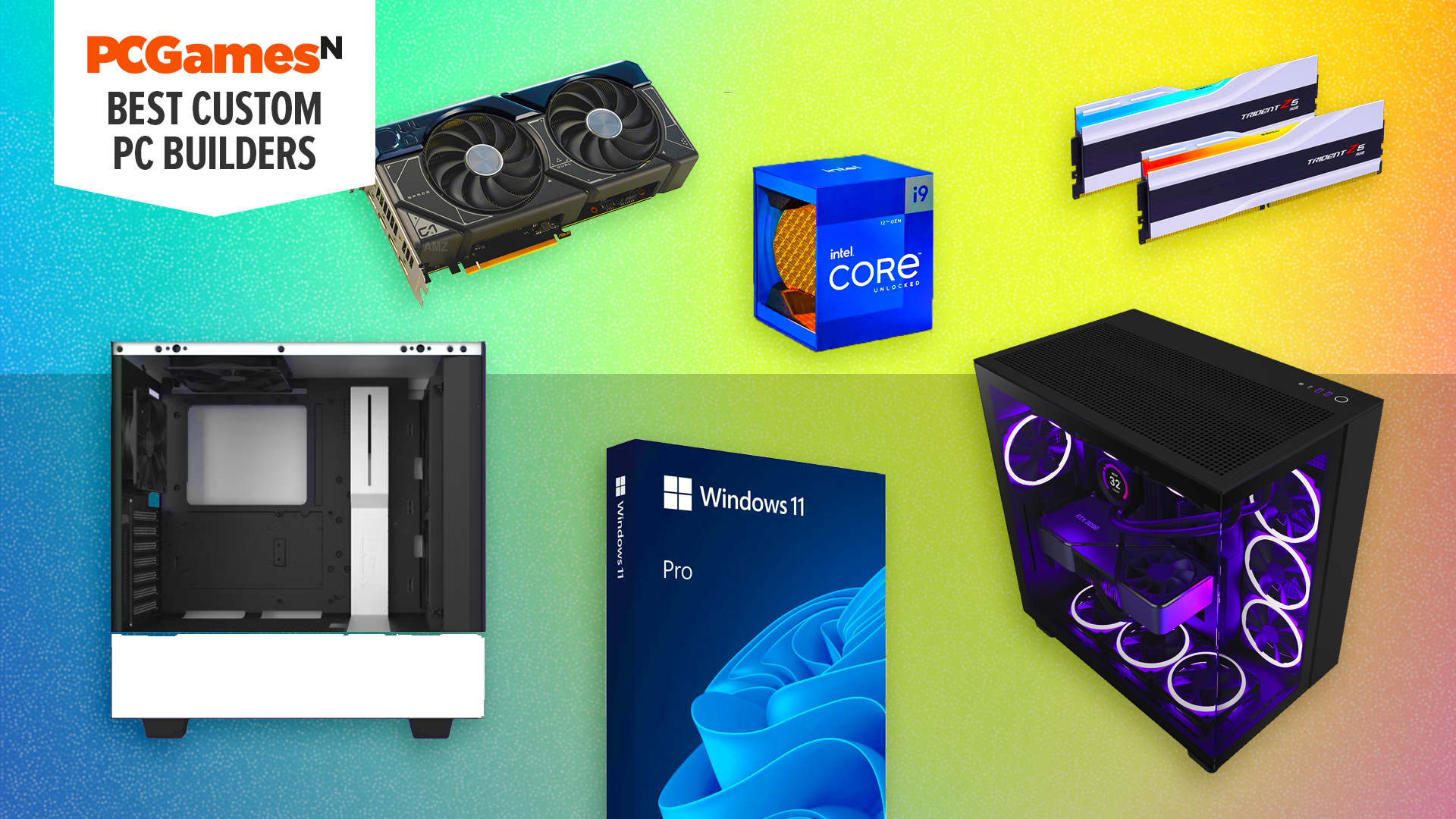


18 Best Custom PC Builder Websites For You 2026 TechCult 1024x488 . 9 Best Custom PC Builder Websites For Building A PC In 2026 Best PC Builder Websites . The Best Websites For Custom PC Builds PCGamesN Best Websites Custom Pc Builds . How To Build A Gaming PC In 2026 Complete Beginner Guide How To Build Gaming Pc 2026 . 18 Best Custom PC Builder Websites For You 2026 TechCult Build My Pc

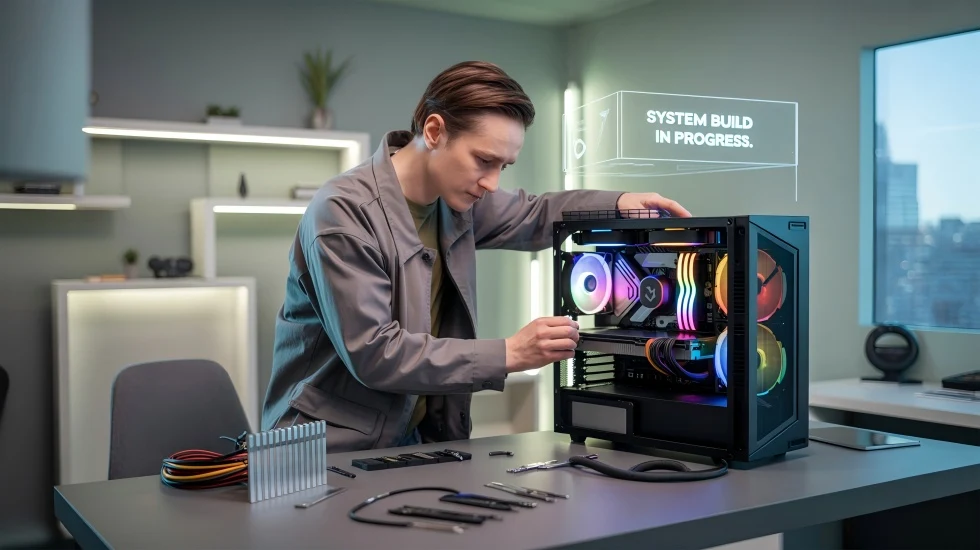

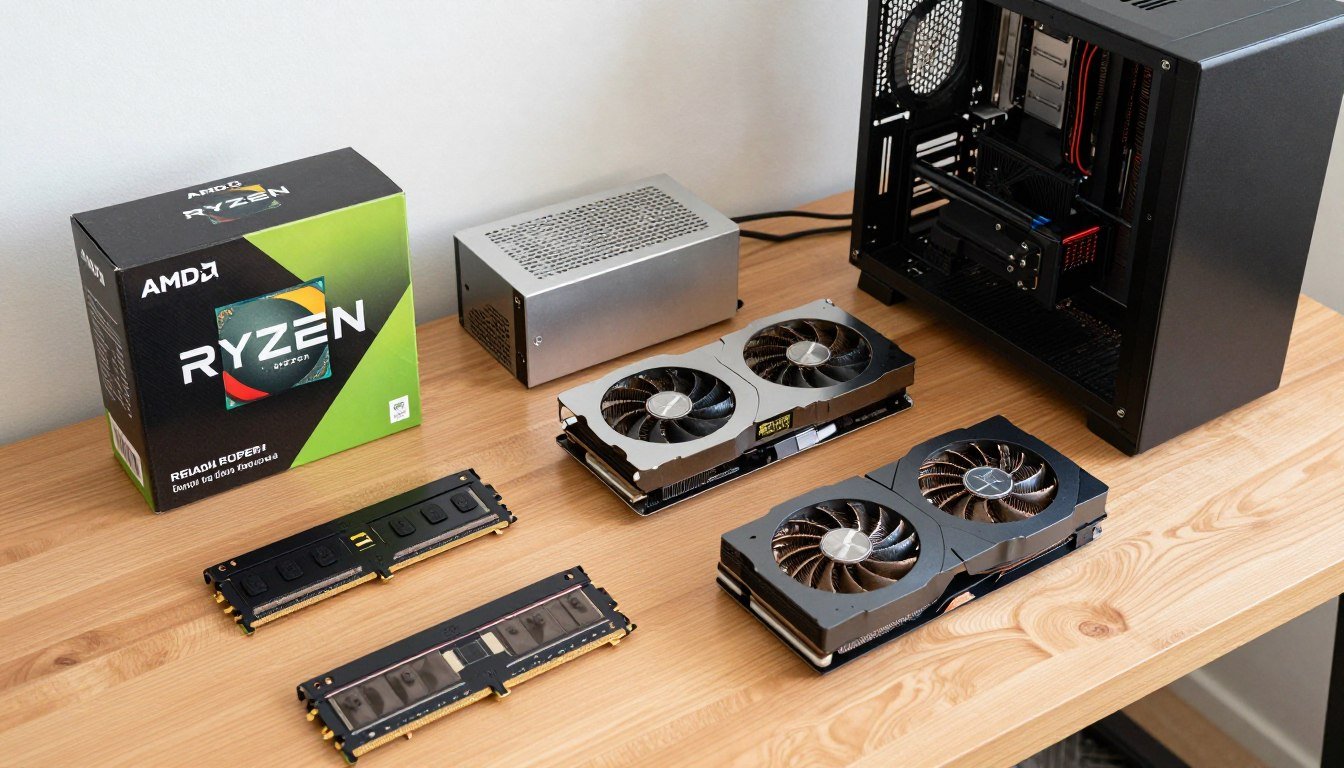
How To Build A Gaming PC In 2026 Complete Parts Guide And Assembly Image. Ultimate Gaming PC Build Guide 2026 From Gaming PC Guru Ultimate Gaming Pc Build Guide 2026 Hero . How To Build A PC In 2026 GEEKOM UK Pc Building Guide.webp. 10 Best Custom PC Builder Websites Best Customer PC Builder Website 2026 768x432 . Budget PC Build 2026 Complete Guide To Building Cheap Gaming PCs Budget PC Build 2026 Components Laid Out On Desk

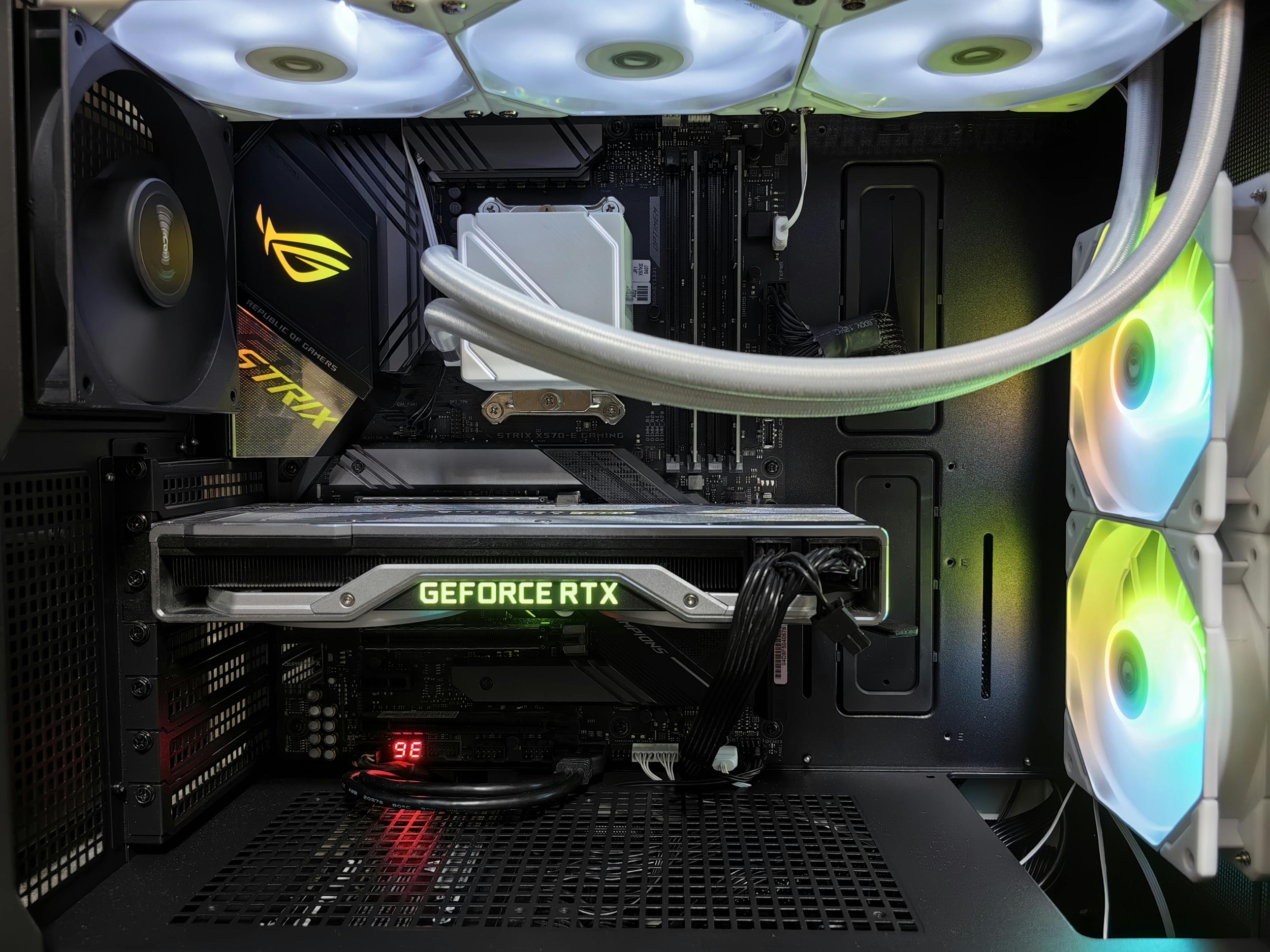
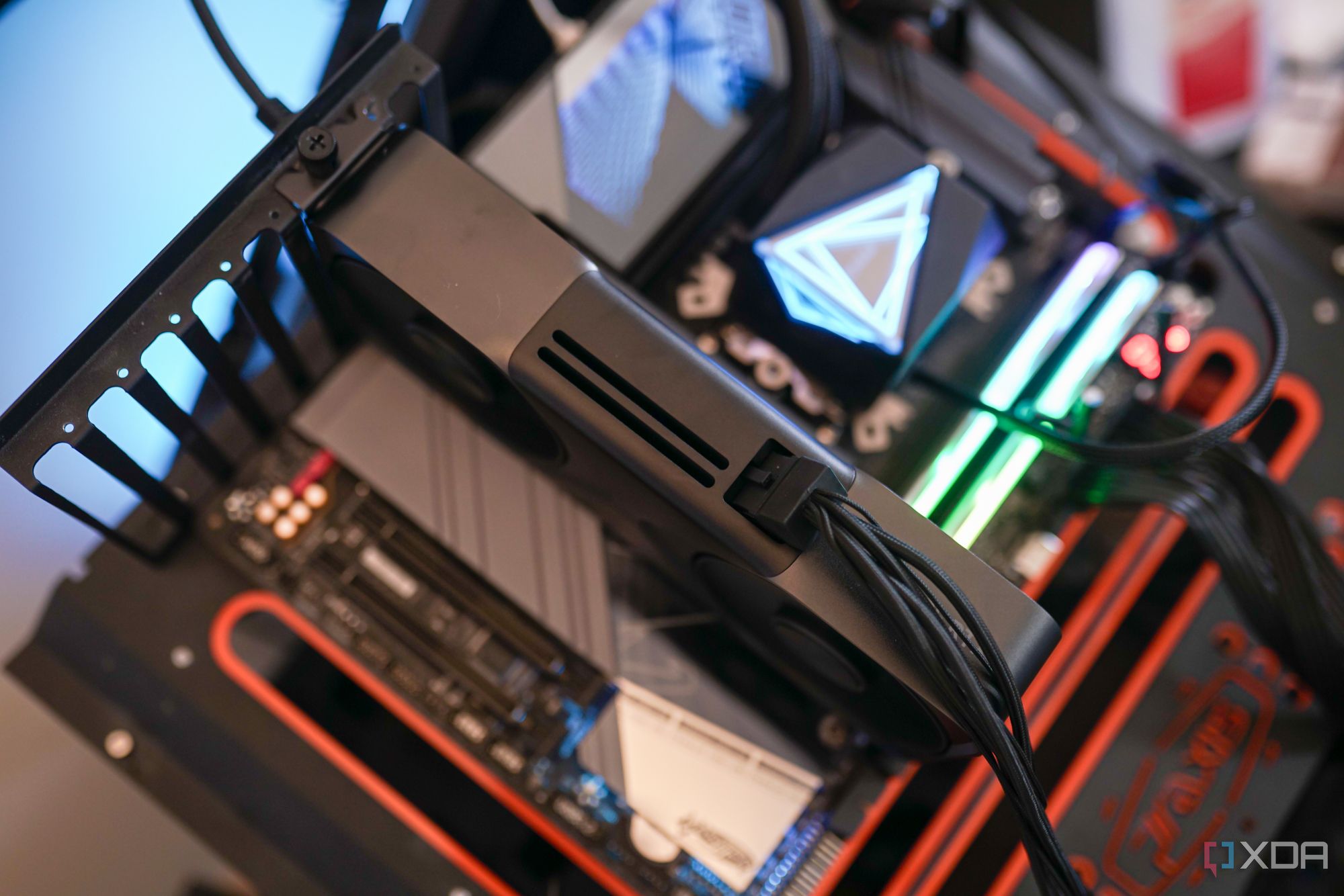
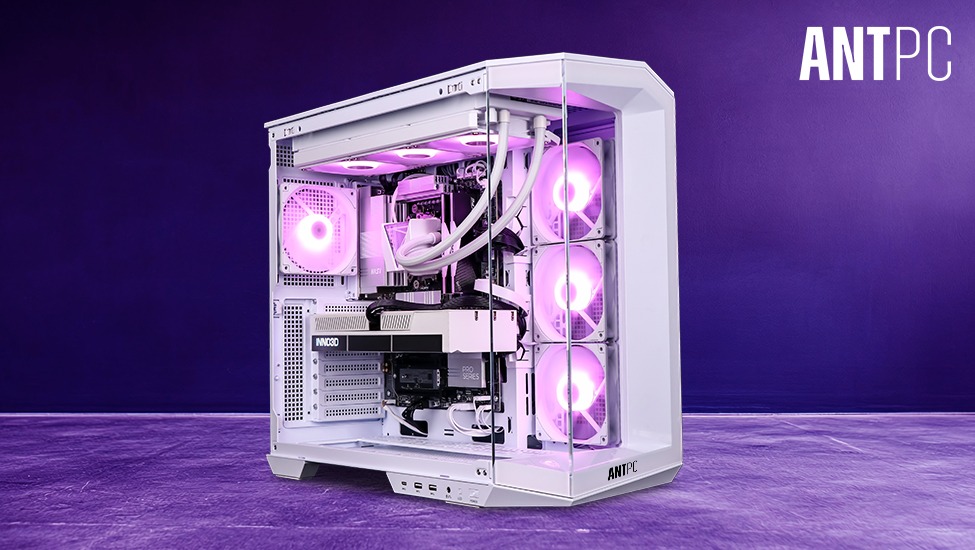

How To Build A Future Proof PC In 2026 Without Regret Gemini Generated Ima. Imresizer 98 . How To Build Gaming PC Guide 2026 Step By Step Budget Gaming PC 2026 Gaming Pc . The Gaming PC You Need To Build For 2026. How To Build A Future Proof Gaming PC In 2026 Complete Custom Build Guide PC . The Ultimate Gaming PC Build 2026 Guide By Xidax 1 Unnamed


PC Project 2026 Where To Start With Building Your Own Gaming PC CCL TG BUILD SHOT 03 . Build Vs Buy PC In 2026 Should You Build Your Own PC Or Buy A Prebuilt Build Vs Buy Pc . 9 Best Custom PC Builder Websites For Building A PC In 2026 Falcon Northwest 1024x498 . Website Design Build And The Ultimate 2026 Guide Website Design Build And The Ultimate 2026 Guide 1 . 9 Best Custom PC Builder Websites For Building A PC In 2026 Homepage 1024x473